Can I connect my bank to Google Sheets without using Finsemble?
Yes, by building the integration yourself, which typically takes weeks rather than minutes. The
Plaid to Google Sheets page covers what a custom build involves.
Does Finsemble require any coding or technical setup?
No. Finsemble is a web app at finsemble.app. You connect your banks through a standard browser interface, no API keys, no code, no configuration.
Which banks does Finsemble support?
Finsemble connects via Plaid, which supports 12,000+ financial institutions in the US and Canada, including all major banks, credit unions, and investment accounts.
How long does the initial setup take?
Connecting your first bank account takes about 60 seconds. Your first sync, which pulls your full transaction history, typically completes in under 5 minutes.
What does Finsemble cost?
Plans start at $4/month. All paid plans include an 11-day full Pro trial, no credit card required to start.
Can I connect more than one bank account?
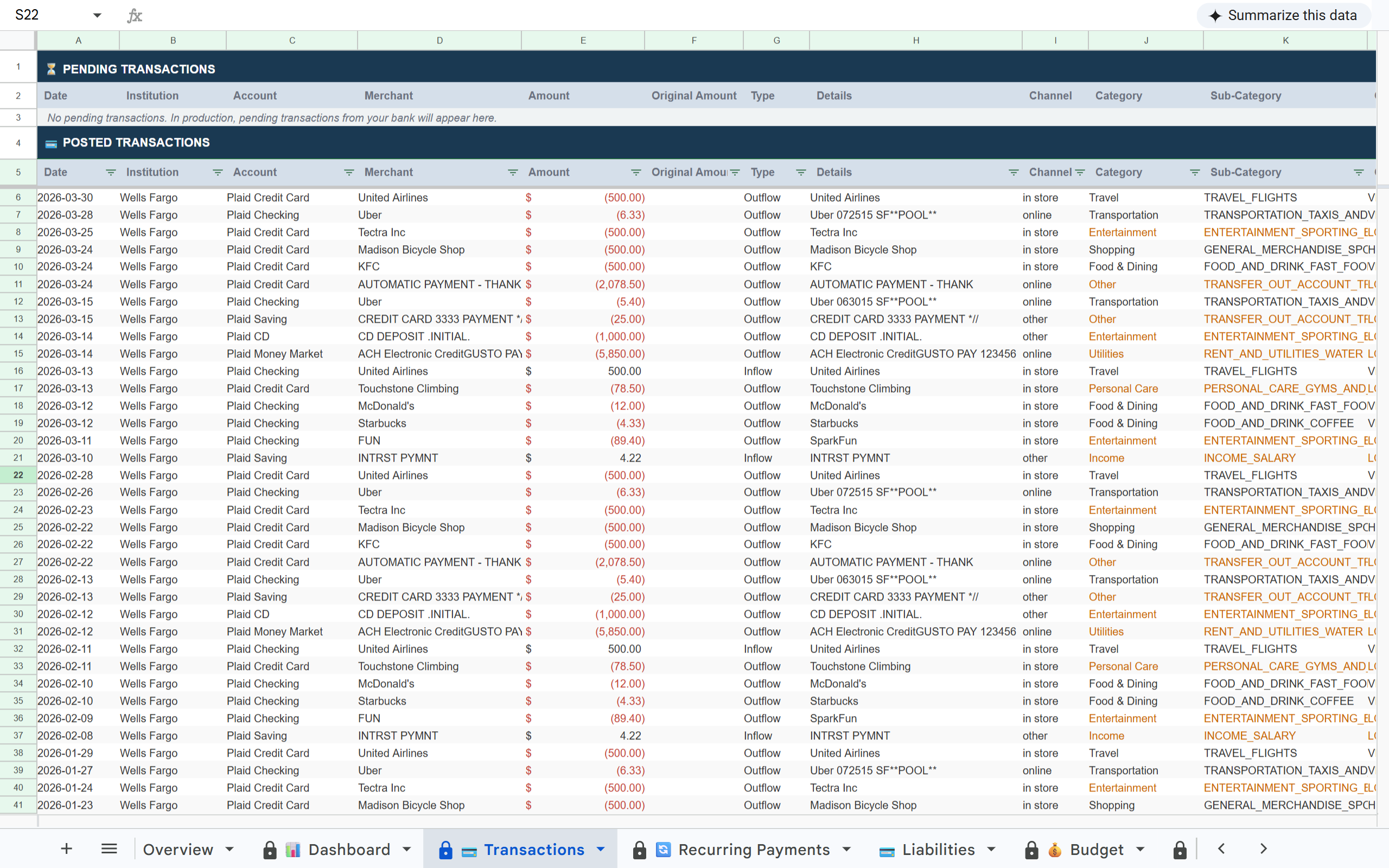
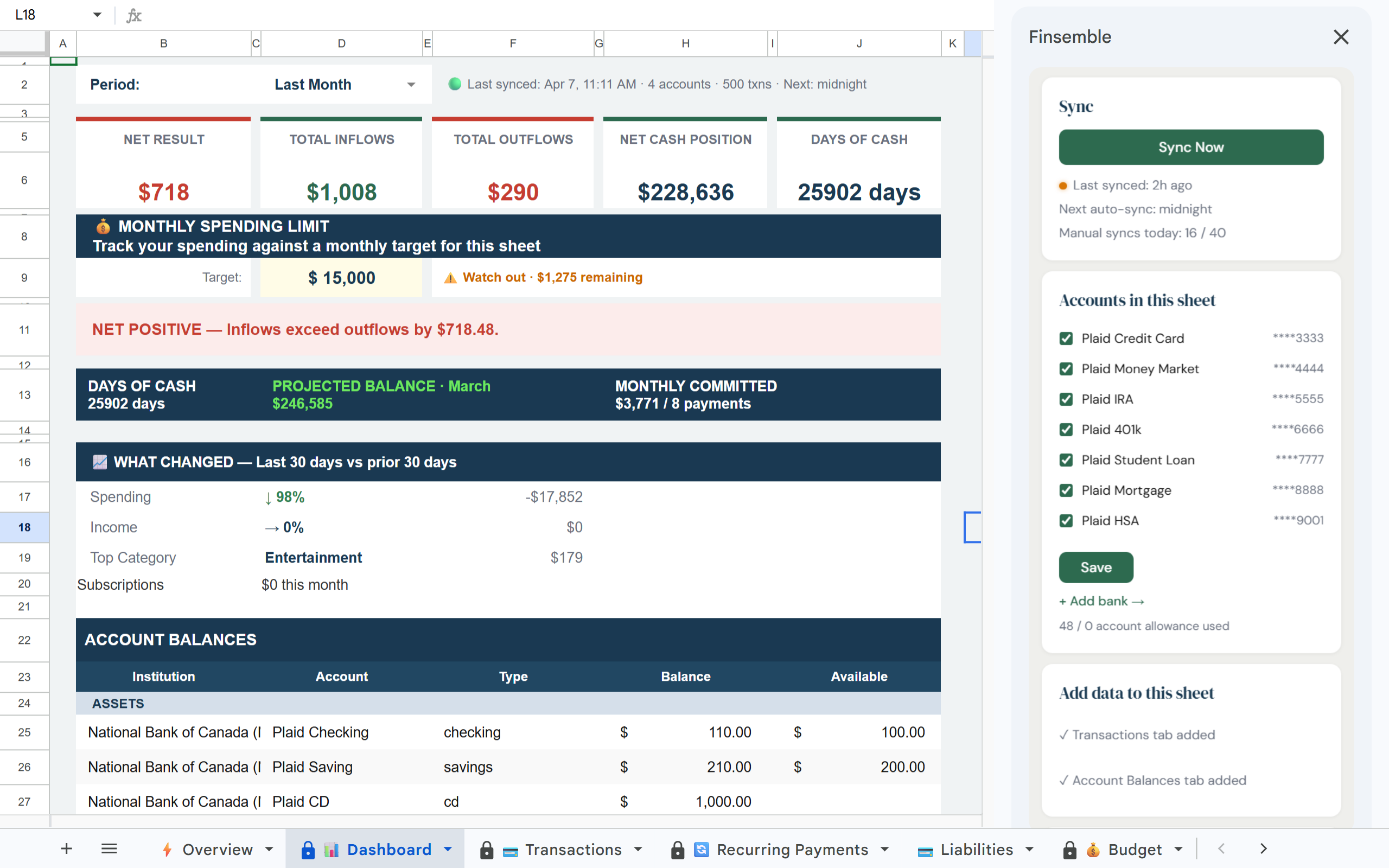
Yes. You can connect multiple bank accounts, including accounts at different institutions, into the same Google Sheet. Every account you connect appears in the same Transactions tab with consistent formatting.
Can I connect credit cards and investment accounts, not just checking accounts?
Yes. Plaid supports depository, credit, and investment account types, so you can connect checking and savings accounts, credit cards, and investment accounts through the same flow.
Can I connect Square to Google Sheets?
Yes. Square is a connectable source alongside your banks and credit cards. If your business collects payments through Square, connecting it brings that revenue into the same sheet as your bank transactions.
What does read-only access actually mean?
Read-only access means Finsemble can view your transaction and balance data but cannot move money, make payments, or modify your accounts in any way. You can disconnect at any time from your Finsemble settings, or through Plaid's consumer portal at my.plaid.com.