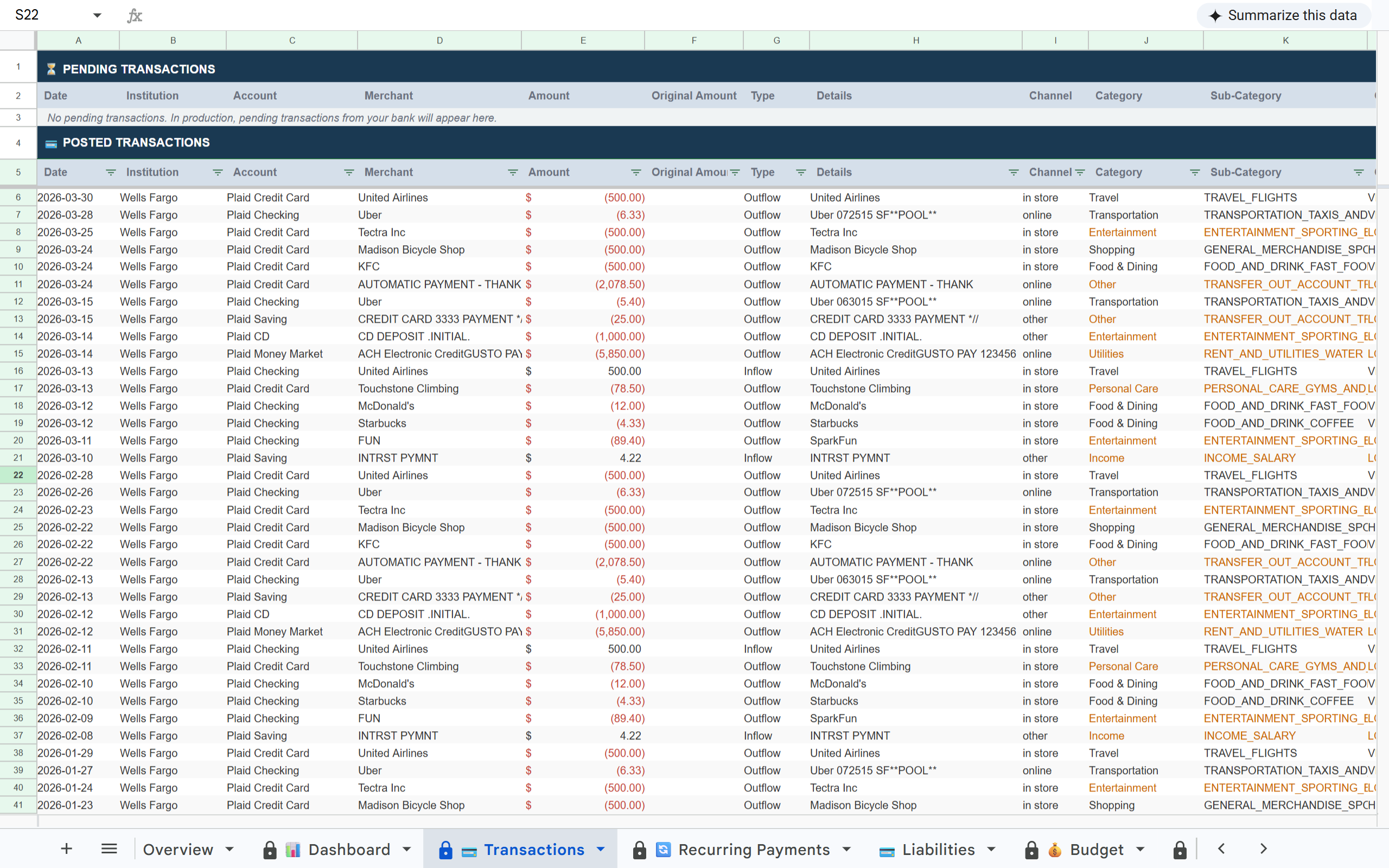
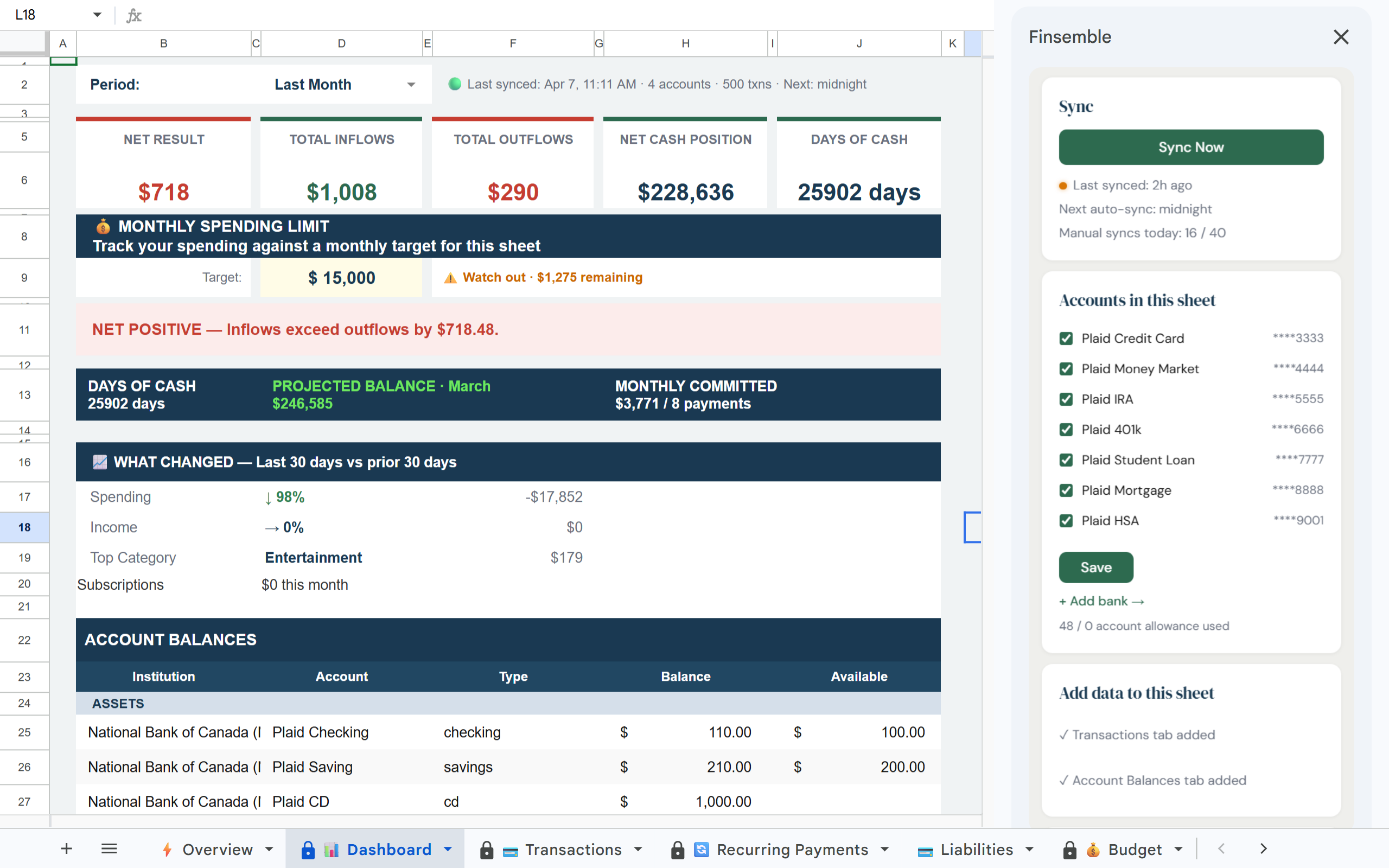
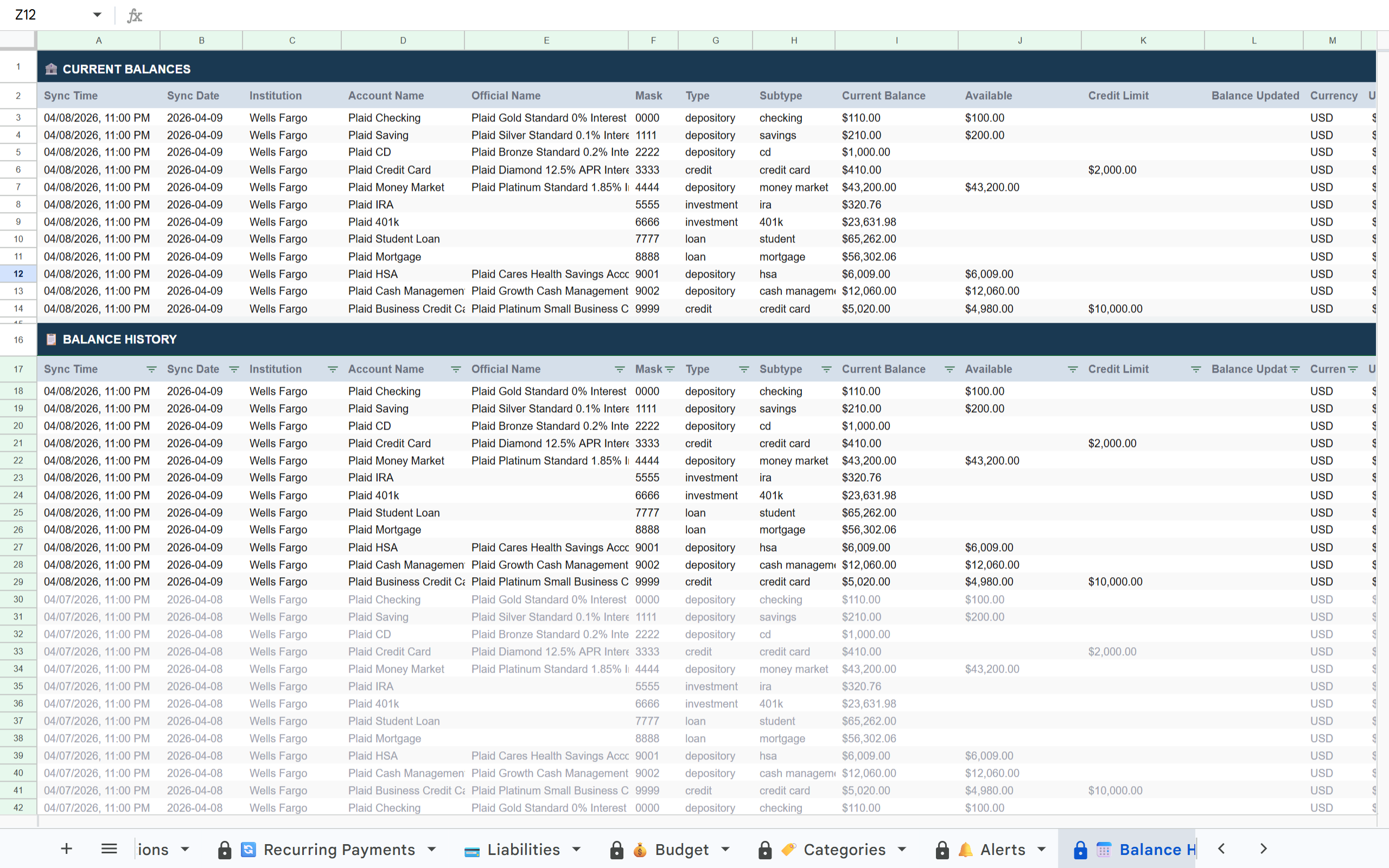
Stop downloading CSVs, reformatting columns, and pasting transactions manually. Finsemble imports every transaction from every bank automatically, every day, without writing a single line of code.
Your spreadsheet lives in your Google Drive, where you control it.
Get your sheet →11-day Pro trial. No credit card required.
Finsemble is a tool that automatically imports bank transactions into Google Sheets. It connects to your bank accounts via Plaid and writes transactions to a Google Sheet in your Drive automatically, every day, without code.
There are four common ways to get bank transactions into Google Sheets automatically. Each has a real audience and real tradeoffs. This guide walks through all four, then shows how to set up the fastest path.
Download a CSV from your bank each month, reformat the columns to match your sheet, and paste the rows in. Zero upfront cost, no signup required. The problems show up over time: duplicates, format drift, month-end backlogs, and fragmented multi-account workflows. This is what most people are escaping when they search for an automatic alternative.
Best for: patient people with one bank account who do not mind ongoing maintenance.
Build your own integration by writing Apps Script that calls the Plaid API. This means a Plaid developer account (with its own pricing for production use), Apps Script knowledge, a refresh-token loop, deduplication logic so the same transaction does not import twice, and ongoing maintenance when banks change their API connections.
Best for: developers who want full control and are willing to maintain the integration over time.
Use a trigger-based connector to move data from a bank-connected source into your sheet. Works for simple single-bank flows. Breaks when banks change their APIs. Struggles with multi-bank consolidation and does not handle deduplication well. Monthly cost adds up as account count grows.
Best for: single-bank workflows that do not change often.
Purpose-built tools that connect to your bank via Plaid and write directly to Google Sheets without code. Tools like Tiller pioneered this category. Finsemble is in this category and is what this guide will demonstrate. Look for read-only access, broad Plaid coverage, automatic deduplication, multi-account consolidation, and your sheet living in your own Google Drive.
Best for: anyone who wants automatic imports without writing code.
| Method | Setup time | Maintenance | Coding required | Best for |
|---|---|---|---|---|
| Manual CSV | None | 45-90 min/month | None | Patient people with one account |
| Apps Script + Plaid | 4-8 hours | High (token refresh, dedup, API changes) | Yes | Developers who want full control |
| Zapier-style automation | 30 minutes | Medium (breaks when banks update APIs) | Light (visual config) | Single-bank workflows |
| Bank-to-Sheets tool (Finsemble) | 2 minutes | Minimal (occasional reconnects) | None | Anyone who wants it done |
Manual CSV imports require ongoing maintenance. Apps Script gives developers full control but requires coding and upkeep. Workflow automation tools work for simpler setups, but purpose-built bank-to-Sheets tools like Finsemble are designed for multi-account financial workflows without code.
Connect your accounts once and Finsemble imports every transaction automatically every day. No CSV downloads, no reformatting, no manual entry. Every bank in one consistent format in one sheet.
A typical user with 3 bank accounts spends 45-90 minutes per month on CSV imports. That is 9-18 hours per year on a task Finsemble eliminates permanently.
If your goal is to automatically import bank transactions into Google Sheets without CSV exports or coding, this is the fastest setup path.
Visit finsemble.app and create an account. The 11-day Pro trial requires no credit card.
Click Connect bank and select your institution from the list of 8,000+ supported banks. Authenticate through Plaid's secure interface; Finsemble never sees or stores your bank login. Typical time: about 60 seconds per institution.
Finsemble imports your full available transaction history on first sync, typically 12 to 24 months depending on your bank. Initial sync usually completes within 2 to 3 minutes. You will see your transactions populate in the Finsemble app as the sync progresses.
Finsemble creates a structured Google Sheet in your Drive automatically. Open it like any other Google Sheet. Everything is yours and stays yours, even if you stop syncing.
By default, Finsemble syncs every night so new transactions appear in your sheet by morning. You can adjust the sync time in your account settings if you prefer a different schedule.
After setup, Finsemble handles the imports automatically. Here is what to expect day to day.
Finsemble can never move money or modify your accounts. Read-only transaction data only.
The same bank connection layer used by Venmo, Coinbase, and 8,000+ financial apps.
Your sheet lives in your Google Drive permanently. Cancel anytime and every row stays yours forever.
Your bank login credentials are never stored by Finsemble. Plaid handles authentication only.
Set up Finsemble once and reclaim that time permanently. Every transaction from every bank, imported automatically every day, in a Google Sheet you own.
Set up Finsemble once and every transaction from every bank imports automatically every day. The CSV workflow is gone permanently.
Get your sheet →11-day Pro trial. No credit card required. See pricing →